Your Mac at a glance, right on the desktop
Banana Widgets puts your CPU, memory, GPU, disk and network on the desktop. Click a widget to see the whole story: live charts, the apps behind every number, and what you can do about them.
For macOS 15 Sequoia or later
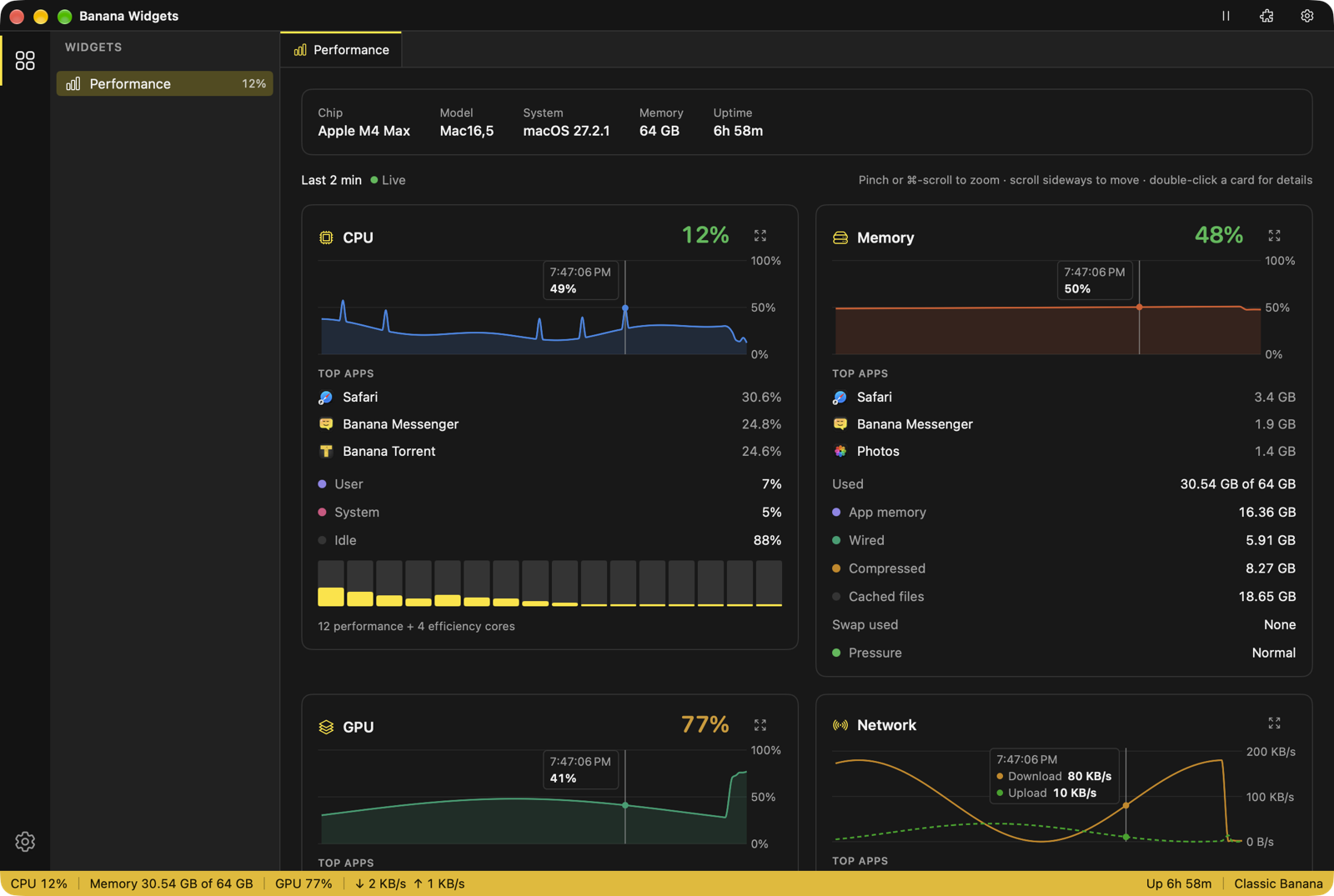
A widget in every size
Small, medium and large, for the desktop or Notification Center. Each one refreshes on its own, and every minute while the app is open. Clicking it opens its full view in the app.
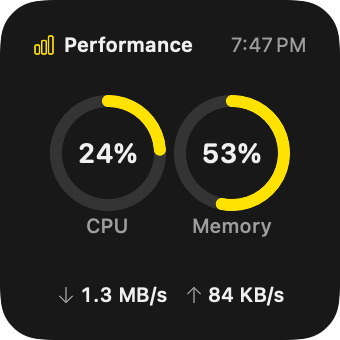
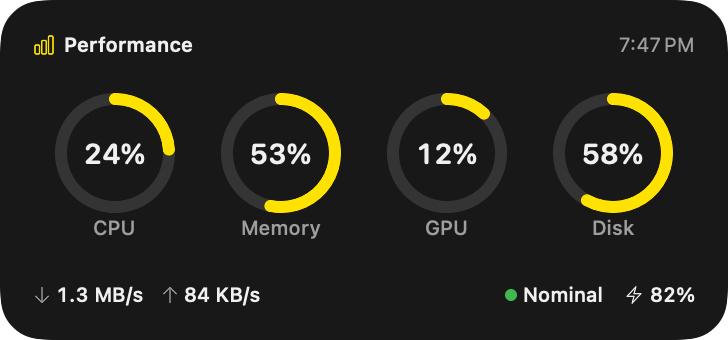
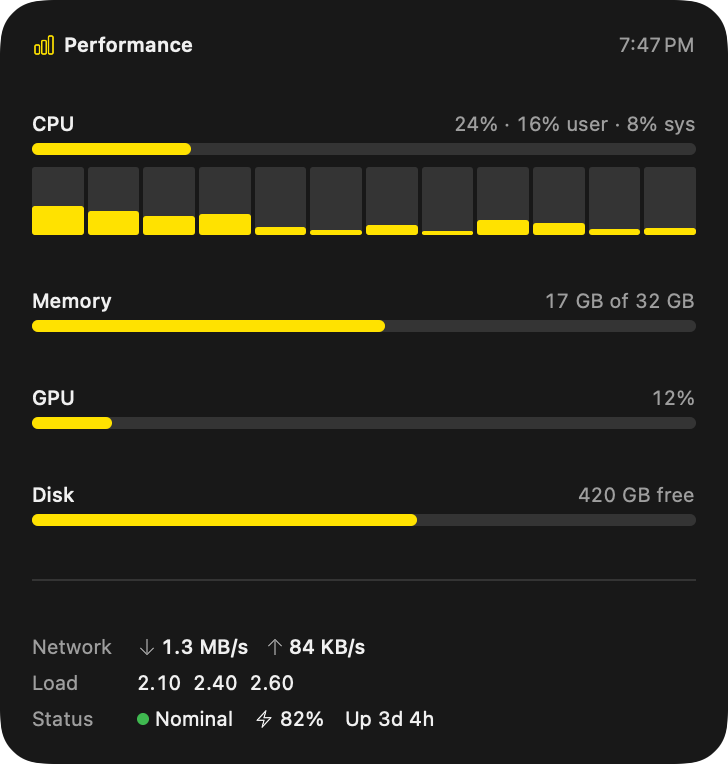
Its own flavor, if you like
Widgets use the app's theme, or each one can have a flavor of its own.
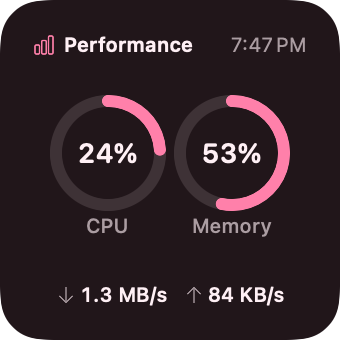
Banana Split 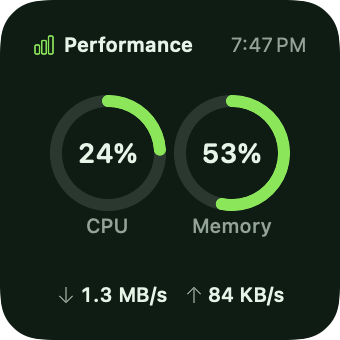
Extra Fresh Banana 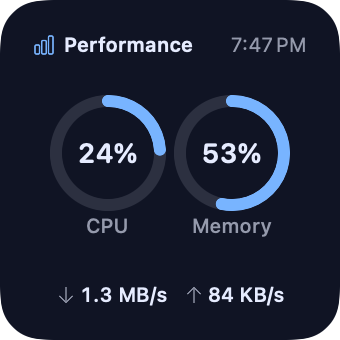
Zelda's Blue Flame 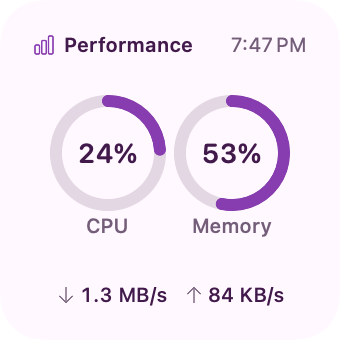
Cotton Candy Light 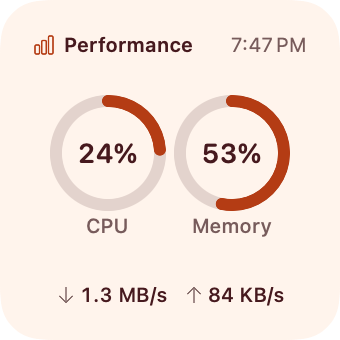
Strawberry Orange Light 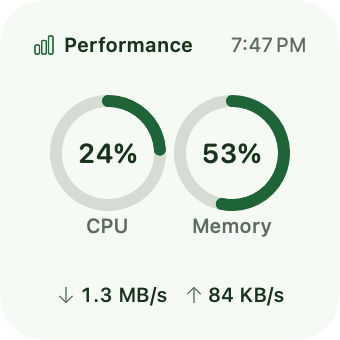
Matcha Banana Light
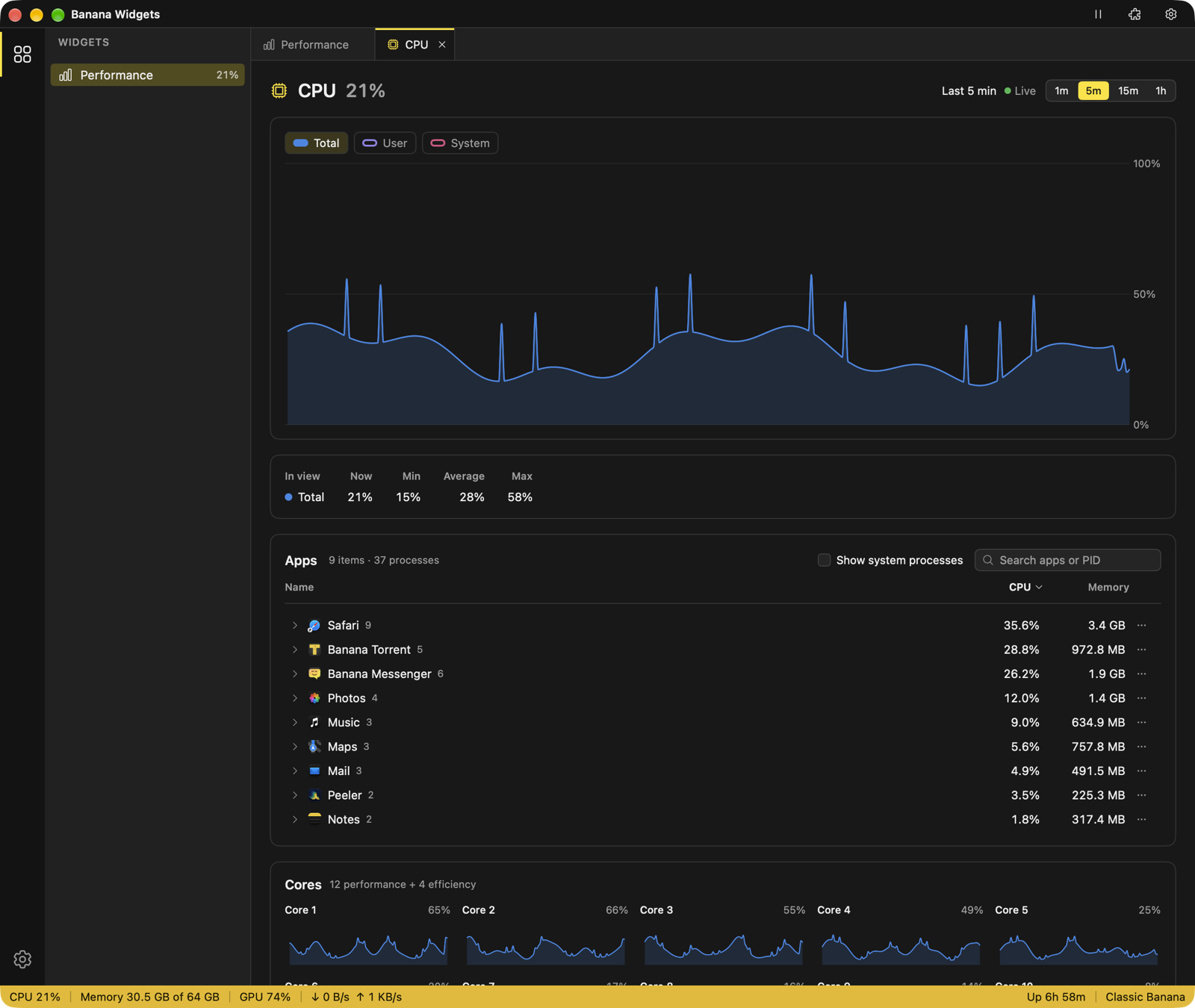
Every chart is live, and you can dig in
The app keeps the last hour, a reading every second, for CPU, memory, GPU, disk and network.
-
Hover any moment
A guide line shows the value at that second, on every chart at once, so a spike in one lines up with the others.
-
Pinch to zoom
Zoom in to 30 seconds or out to the full hour, right where the pointer is. Scroll sideways to go back in time; Live jumps back to now.
-
Details for each chart
A full-size chart with 1m, 5m, 15m and 1h ranges, current, minimum, average and maximum, the series to show, and a chart for every CPU core.
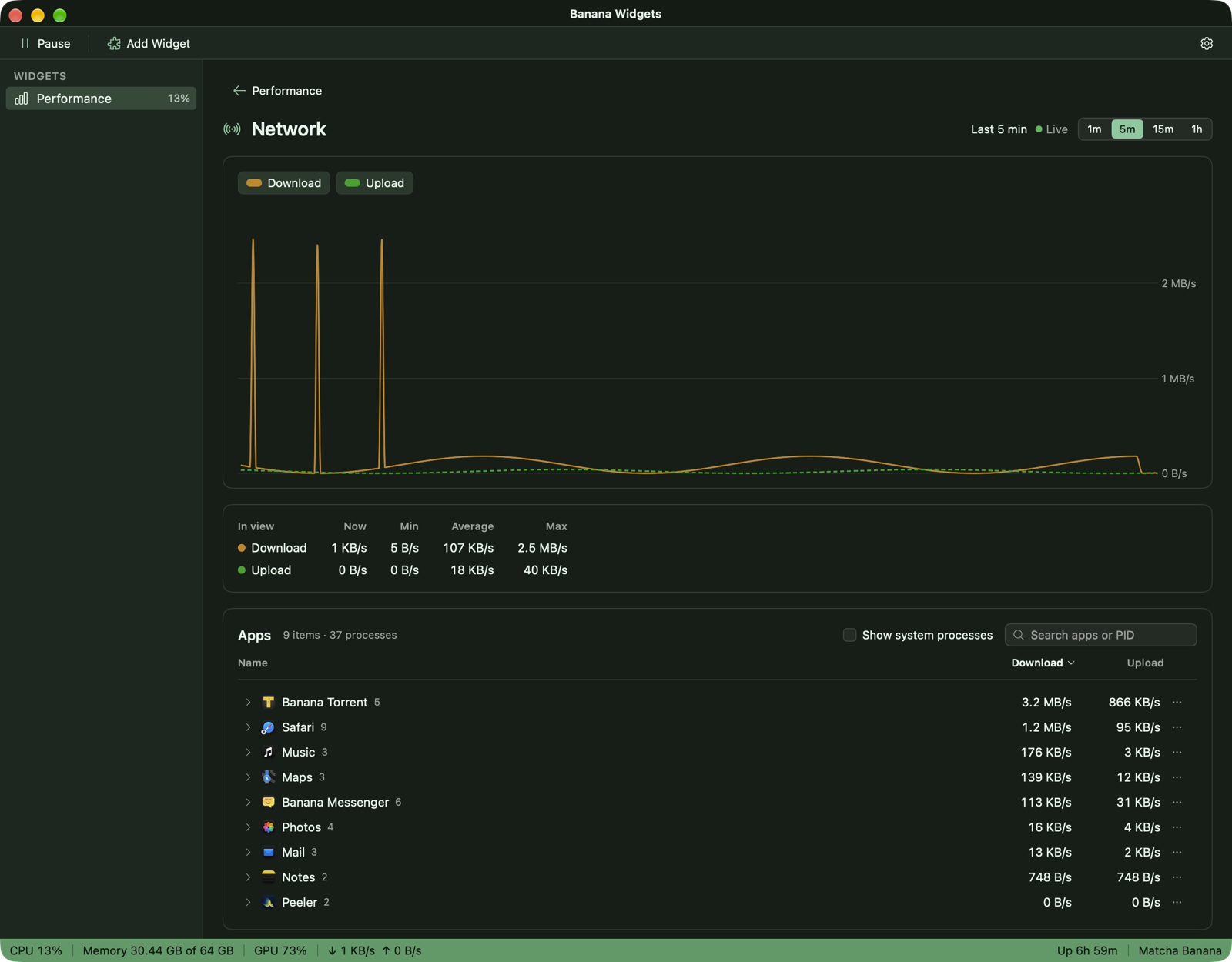
See what's using it, and do something about it
Every card lists its top apps. The details list them all, with each app's helpers grouped under it.
-
Quit, pause or stop
Quit an app, or force it. Pause something burning through CPU and resume it later. Stop a stuck background process.
-
Clear an app's cache
See how much each app keeps in its cache and move it to the Trash once the app has quit. Peeler cleans up the rest.
-
Careful by default
Every stop, pause and cache clear asks first. macOS's own processes can't be stopped, and anything paused is resumed when the app quits.
One app, three layouts
Pick one when you first open Banana Widgets, and switch any time.
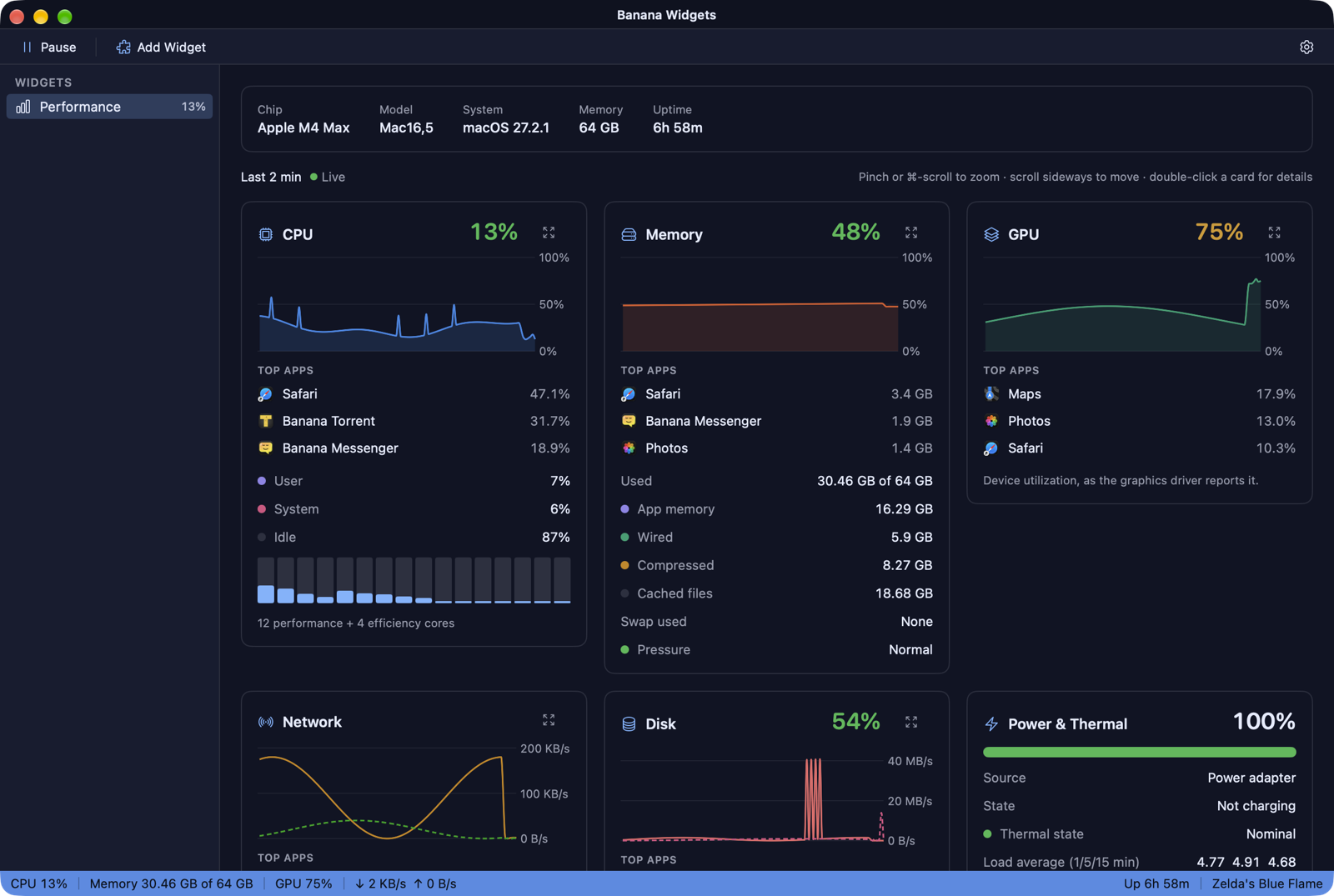
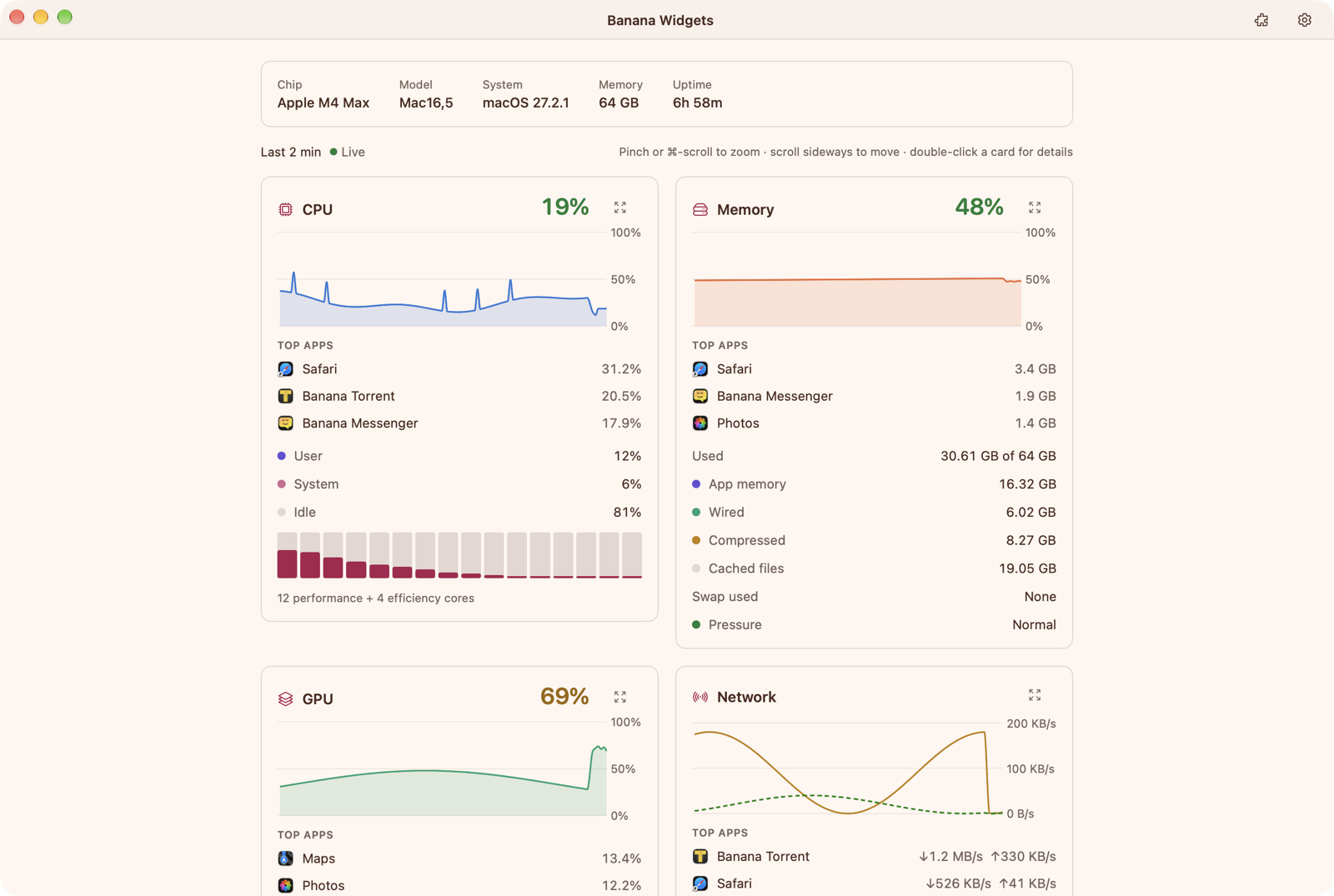
Every Banana theme
All 20 Banana themes: nine flavors in dark and light, plus high contrast, for the app and its widgets. Try a few on this page.
Private by design
-
Nothing leaves your Mac
Banana Widgets reads everything on your Mac and sends nothing anywhere. No telemetry, no analytics.
-
No account
Nothing to sign up for. Open it and your stats are there.
-
History stays in memory
The last hour of readings lives in the app while it's open, and is gone when it quits.

Coming soon
Banana Widgets is on the workbench. System Performance is the first widget, with more to follow.
For macOS 15 Sequoia or later.